


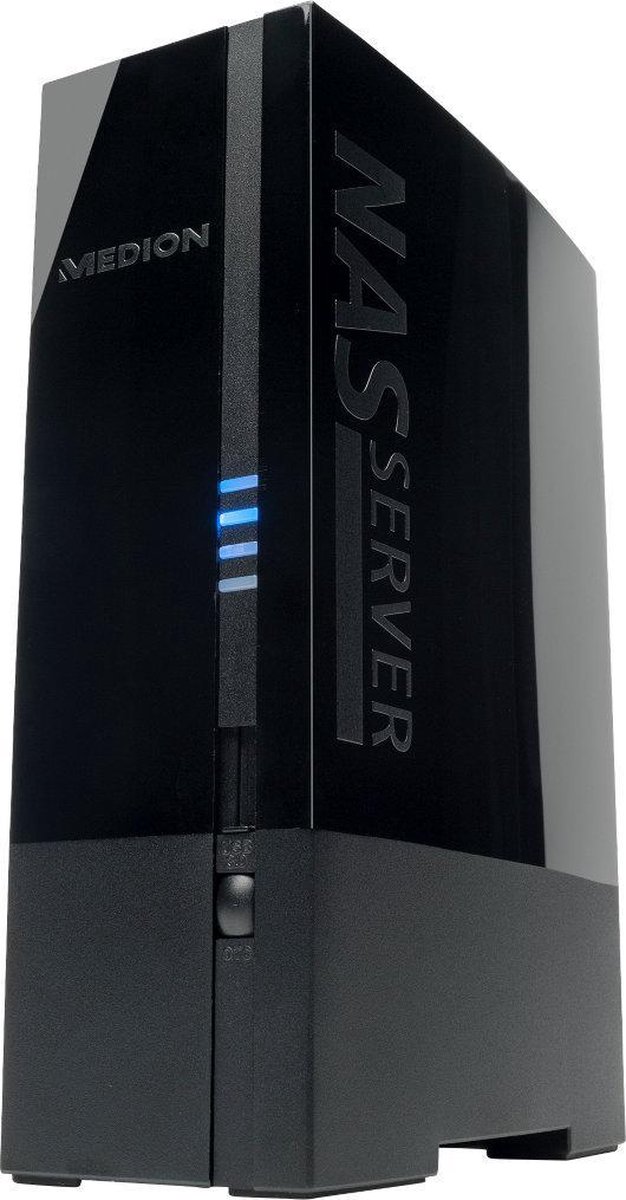
MEDION NAS 1TB
CHF120.00
MEDION NAS Server 1TB
Topdesign in Hochglanzoptik
Zentraler Datenspeicher, weltweiter Zugriff
Datensicherung mit Memeo Instant Backup
Umweltfreundlich und flüsterleise
Eigenschaften:
Digitale Medien im ganzen Haus auf jedem PC verfügbar
Implementierter Fotoalbum-Manager
Medien mit dem MEDION Mediaplayer direkt auf Ihrem Fernseher abspielen - auch ohne laufenden PC
Erweiterbarkeit und gemeinsame Nutzung weiterer Geräte.
Anschlüsse:
2 x USB (1 x vorn, 1 x hinten)
1 x LAN RJ-45 (Ethernet 10/100 & Gigabit)
Ein-/Ausschalter
Unterstützte Standards:
TCP/IP Netzwerkprotokoll
UPNP, integrierter DLNA-Server (Twonky)
iTunes-Server
FTP-Server
Samba–Server
Integrierter Downloadmanager
Abmessungen:
(B x H x T) 6,4 x 17,3 x 13,5 cm
Lieferumfang:
Netzwerkfähige Festplatte
LAN-Kabel
Ext. Netzteil
MEDION MD 86517 A835 1TB External NAS Hard Drive Network
DLNA Server
iTunes Server
FTP Server
Samba
Central data storage – Worldwide access you can enjoy the simple release and common your data will not be with the whole family and friends with the Medion Netzwerkfähigen hard drive. The simple makes the Medion suitable for all users the ideal solution to data and media network hard drive to store and central to ensure a safe trip. Simply by plugging over Ethernet at an existing wireless router, all data on the Netzwerkfähigenfestplatte, even can for multiple users parallel to, wireless or even available on the internet from anywhere.
Important note!
A radical solution to the problem of server devices disappearing in Windows 10 and 11 due to the incompatibility of these devices with the security system imposed by the latest Windows versions: Follow the next steps carefully to solve this problem permanently.
Right click on the Windows Start button and select Settings, select Network & Internet on the left side and on the right side select Proxy, make sure that Automatic proxy detection is turned ON, Use setup script OFF, Manual proxy setup OFF.
Go back to Network & Internet and select Advanced network settings, turn ON both Network discovery and File and printer sharing.
On windows search type: Windows features, click on it to open Windows features and scroll down to smb and expand it and make sure all options are check marked including smb direct.
Windows will download some scripts and will reboot to implement the new configuration, now you have all your NAS servers visible again.